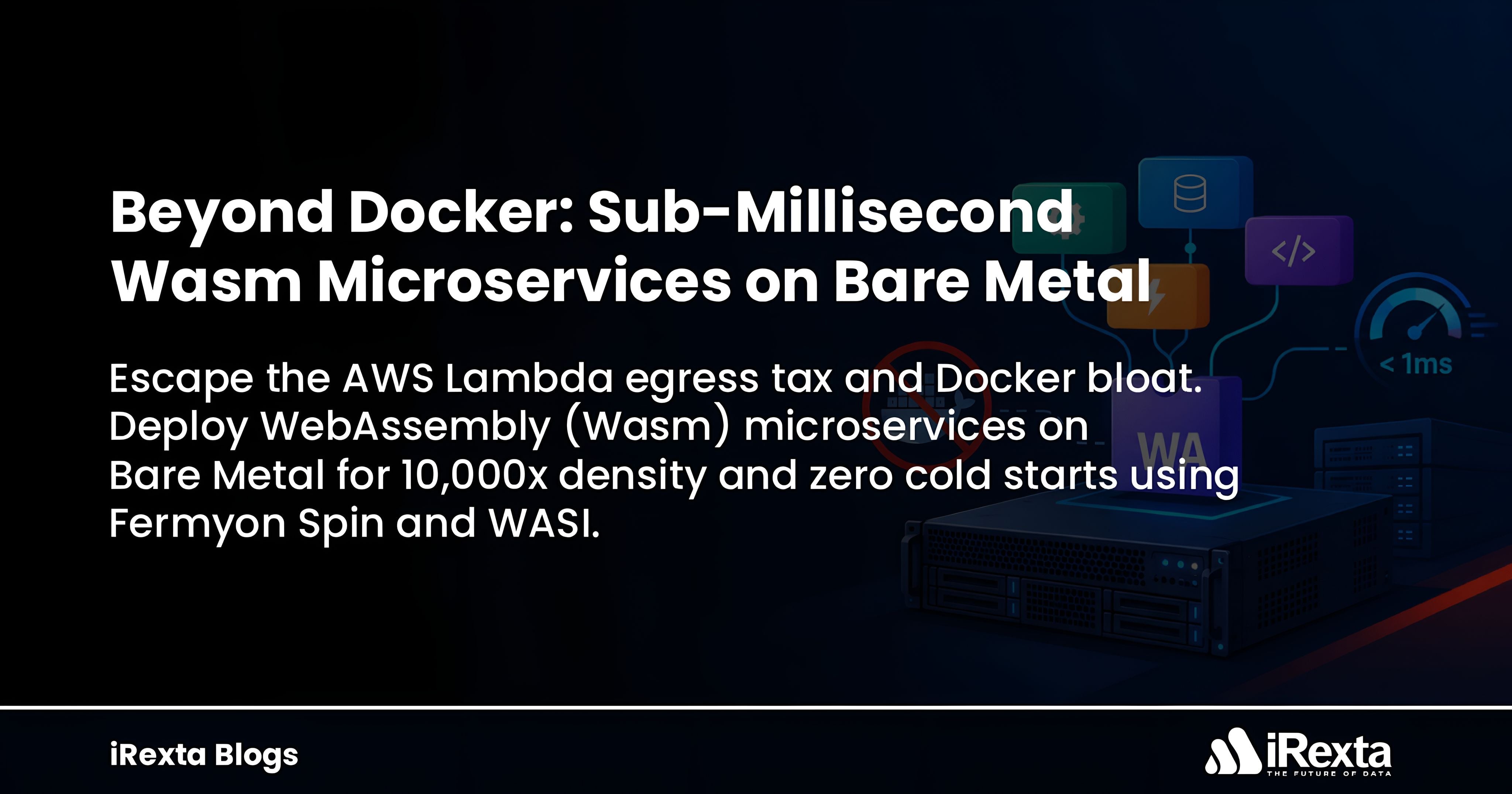
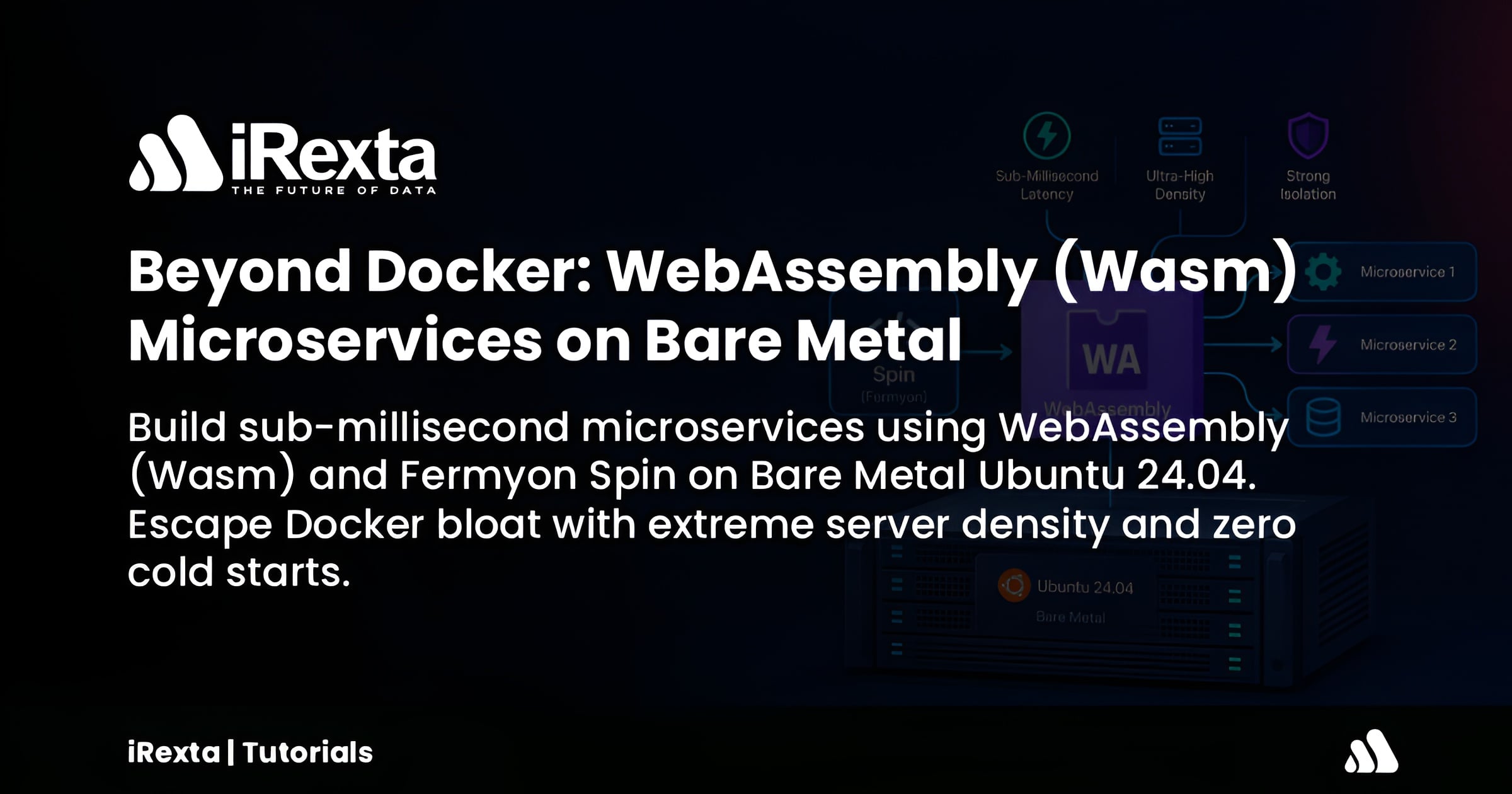
Beyond Docker: Building Sub-Millisecond Microservices with WebAssembly (Wasm) on Bare Metal
Ditch container bloat and deploy ultra-dense, secure, and lightning-fast APIs using Fermyon Spin on Ubuntu 24.04.
In 2019, Docker co-founder Solomon Hykes famously tweeted:
"If WASM+WASI existed in 2008, we wouldn't have needed to create Docker. That's how important it is. WebAssembly on the server is the future of computing."
Ever since, the Docker vs. WebAssembly performance debate has been relentless. Many prematurely declared that "Wasm will kill Docker." However, after years of running both in production, the architectural reality is clear: WebAssembly won’t kill Docker, but it will absolutely dominate the Serverless and API landscape.
To run a simple API today, we typically pack an entire mini-Linux OS into a Docker container. This inherently causes bloat. WebAssembly (Wasm), on the other hand, requires zero OS overhead. Your code executes directly within a hardware-level, sandboxed virtual environment.
In this tutorial, we will explore how to ditch container bloat, escape serverless cold starts, and build lightning-fast APIs on your own Ubuntu 24.04 Bare Metal server.
⚙️ Wasm and Spin: The Engine and the Steering Wheel
WebAssembly is an ultra-fast, OS-agnostic binary format. Think of Wasm as a powerful car engine. You cannot just hold an engine in your hands and drive; you need a steering wheel, chassis, and pedals. That is where Fermyon Spin comes in.
Much like docker run controls containers, Fermyon Spin acts as the application framework and runtime harness. It provides HTTP routing, trigger handling, and configuration management to turn raw Wasm bytecode into production-grade web services.
The 3 Core Advantages of Wasm on Bare Metal
Stop paying exorbitant bills for managed serverless runtimes (like AWS Lambda) and run your own high-density platform on Dedicated Bare Metal:
Zero Cold Starts (Microsecond Speed): Starting a Docker container takes hundreds of milliseconds or full seconds. Running Wasm via Fermyon Spin takes mere microseconds. This delivers true zero-cold-start performance for incoming API traffic.
Extreme Server Density: While a 128-core bare metal server might comfortably run 1,000 Docker containers, that exact same server can host 10,000 to 50,000 Wasm microservices. Docker consumes 100MB of RAM per idle instance, whereas a dormant Wasm module requires just ~2MB.
Ironclad Sandbox (Security): Containers share the host Linux kernel, leaving them vulnerable to privilege escalations and kernel escapes. Wasm is designed with a strict "Default Deny-All" capability-based security model, ensuring complete execution isolation.
┌────────────────────────────────────────────────────────┐
│ Docker Container:  ~100MB Idle RAM  │ Boot: ~1-3s      │
├────────────────────────────────────────────────────────┤
│ Wasm Module:       ~2MB Idle RAM    │ Boot: Microsec   │
└────────────────────────────────────────────────────────┘
💎 Hidden Production Gems (What Competitors Miss)
Most guides assume WebAssembly only runs inside managed edge CDNs (such as Cloudflare or Fastly). When operating your own bare-metal infrastructure, consider these production techniques:
1. Peaceful Coexistence (containerd-wasm-shim)
You don't need to replace Docker or your existing Kubernetes infrastructure. By implementing the containerd-wasm-shim on your cluster nodes, Docker containers and Wasm modules run side-by-side on the same machine:
apiVersion: node.k8s.io/v1
kind: RuntimeClass
metadata:
  name: wasmtime-spin
handler: spin
Run persistent, stateful workloads (like PostgreSQL or Redis) in standard Docker containers, while running high-throughput, stateless API layers in Wasm.
(Note: Never configure wasmtime alone as your Kubernetes RuntimeClass handler—Wasmtime is merely the execution engine. You must specify the exact shim, such as wasmtime-spin, to prevent CrashLoopBackOff errors).
2. IoT & Edge OTA Updates with Zero Downtime
Distributing container updates requires moving 100MB to 500MB image layers over the network. A compiled Wasm binary is typically under 400KB. It can be hot-swapped across nodes in seconds with zero downtime and minimal bandwidth.
🛡️ Critical Infrastructure & Security Protocols
When executing Wasm on Bare Metal, implement these mandatory safeguards:
[CRITICAL SECURITY ALERT] Capability-Based Access: Wasm modules are sandboxed with zero ambient authority. If your API needs to access a database or outbound endpoint, you must explicitly grant WASI capabilities in your
spin.tomlmanifest usingallowed_outbound_hostsorkey_value_stores. Otherwise, runtime calls are blocked.[WARNING] Fuel Metering: If you execute third-party or untrusted Wasm code, malicious scripts could use infinite loops to monopolize host CPU cores. Enforce Wasmtime’s
store.set_fuel(10_000)fuel metering to strictly cap compute execution ticks per request.[BEST PRACTICE] Structured Logging: Never leave raw Wasm
stdout/stderrstreams dumping directly into the host console. Forward logs to structured systems like Journald, Vector, or Grafana Loki for centralized monitoring.
Step-by-Step Guide: Install Fermyon Spin on Ubuntu 24.04
Deploying a sub-millisecond Rust Wasm API on a clean Ubuntu 24.04 server requires just a few commands:
Step 1: Install Rust and the WASI Target
Rust is the premier language for compiling high-performance WebAssembly microservices. Install the Rust toolchain and register the WASI compilation target:
# Install the Rust toolchain
curl --proto '=https' --tlsv1.2 -sSf [https://rustup.rs](https://rustup.rs) | sh
source $HOME/.cargo/env

# Add the standard WebAssembly compilation target
rustup target add wasm32-wasi
Step 2: Install the Fermyon Spin CLI
Fetch and install the official Spin CLI:
# Download and install the Spin binary
curl -fsSL [https://developer.fermyon.com/downloads/install.sh](https://developer.fermyon.com/downloads/install.sh) | bash
sudo mv ./spin /usr/local/bin/spin

# Verify the installation
spin --version
Step 3: Scaffold a Serverless Wasm Project
Use Spin's built-in templates to initialize a new HTTP API project:
spin new http-rust my-wasm-api --accept-defaults
cd my-wasm-api
This generates:
spin.toml: The application manifest controlling routes and WASI permissions.src/lib.rs: The core Rust HTTP handler logic.
Step 4: Build and Expose on Bare Metal
Compile your project into a .wasm binary and start the HTTP server. While local development defaults to 127.0.0.1, a production bare-metal server requires binding to all network interfaces (0.0.0.0):
# Compile and test locally
spin build --up

# Production Bare Metal Launch: Expose on standard web ports
spin build --up --listen 0.0.0.0:80
Your Bare Metal server is now serving incoming requests with microsecond latency and zero container overhead.
Enterprise & SRE Technical FAQ
Will WebAssembly (Wasm) completely replace Docker?
No. Wasm and Docker serve different needs. Docker remains the industry standard for stateful, complex applications requiring full Linux OS primitives, file-system drivers, and persistent storage trees. Wasm is designed for stateless microservices, event-driven tasks, and edge API gateways where instant cold starts and extreme density are paramount.
How does Fermyon Spin differ from standard WebAssembly?
WebAssembly is a compiled bytecode format. Fermyon Spin is the application framework and runtime harness. Spin manages HTTP triggers, request dispatching, outbound network routing, and key-value datastores needed to turn a raw .wasm binary into an active microservice.
Why is Wasm considered more secure than Docker containers?
Docker containers share the host Linux kernel, leaving them susceptible to kernel-level privilege escalation exploits. Wasm runs within a memory-isolated stack architecture with a strict capability model. Modules cannot access host storage, clocks, or network sockets unless explicitly granted permission by the host runtime manifest.
👉 Deploy ultra-dense WebAssembly microservices with 0% cloud transit tax:
Get Started on iRexta Dedicated Bare Metal
About the author
- I am part of the Technical Team at iRexta, bridging the gap between high-end infrastructure and enterprise solutions. At iRexta, we specialize in providing unshared Bare Metal and Dedicated GPU servers to help businesses scale their AI environments, defend against advanced threats, and escape the exorbitant "Cloud Tax". Follow our space for deep dives into tech architecture and server engineering!
Comments
Join the discussionNo comments yet. Be the first to comment.